Photo management software in 2026: from Lightroom to AI agents
The photo management category now holds four species: the photographer’s library, the camera roll, the shared album, and the agent layer. Which stack fits you.
On this page
Photo management software in 2026: from Lightroom to AI agents
“Photo management software” used to mean a desktop library for photographers, folders on one side, edits on the other, Lightroom at the top of the stack and everything else arguing about the same files. The files were yours, the management was manual, and the job was mostly sorting.
The category now contains four different species wearing one name, and the differences matter more than the reviews suggest.
The photographer’s library
Lightroom and its category still do the classic job well: raw files, keywording, versioning, local storage you own. It was built for a professional managing thousands of shots from one camera. The overhead is real, and the reward is control.
The phone’s camera roll
This is the default for everyone else. It’s automatic, effortless and increasingly clever: Apple Intelligence can find “just about anything” in your photos by describing it, and Google’s equivalent answers plain-language questions with Ask Photos. The cost is the same as it was a decade ago: your library belongs to a platform, and the management stops at the edge of your own phone.
The shared album layer
This is the group-shaped species, and every event in your life needs it. One album per occasion, everyone contributing, and none of the single-library tools were designed for it. We covered the state of shared albums across Apple, Google and the private alternatives in a separate guide.
The agent layer
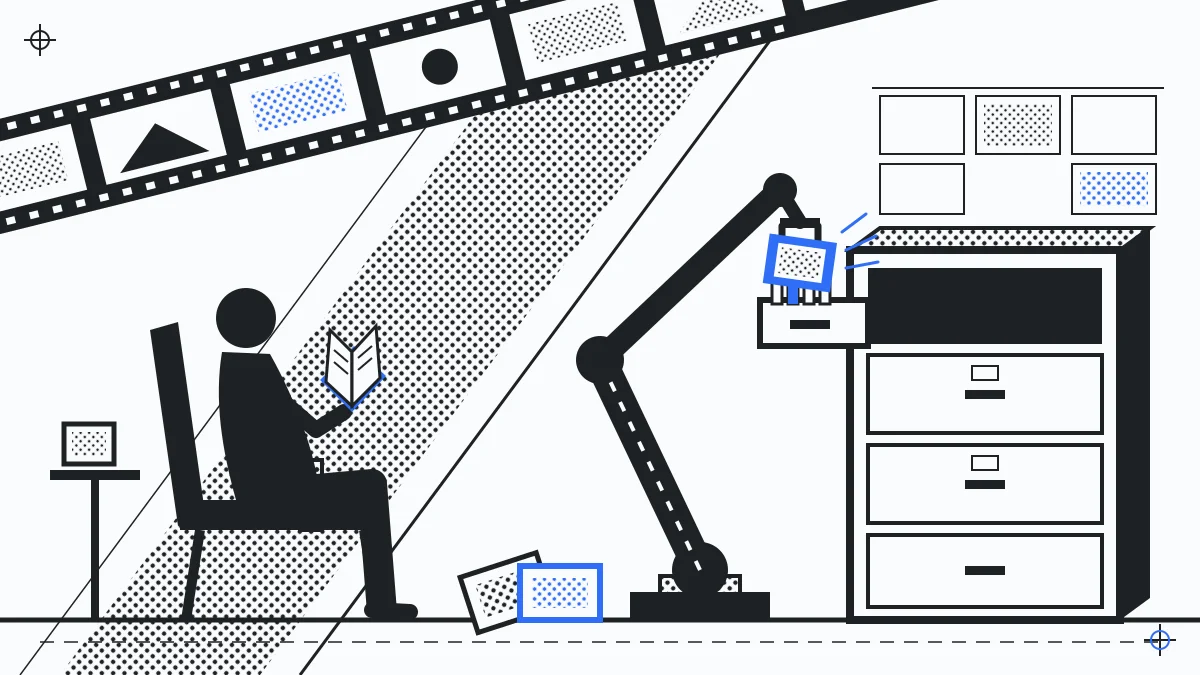
The newest species is AI agents that manage photos as work rather than as a screen. A Huddled Space on the Pro plan exposes an API and MCP integrations, so an agent can do the organisation nobody wants to: pull everyone’s uploads into the client folder, tag the shoot, sort Saturday from Sunday, collect the keeper set. The management happens to your collection on your behalf, inside the boundaries you set.
Which stack for you
A photographer keeps the library. A family lives in the camera roll and should stop there. Any group, trip or event needs the shared layer, and any team whose job involves photos should look hard at the agent layer, because it is the first software in the category that gives time back rather than demanding it. Start a Space for the group parts, and keep whichever of the others already fits you.