Everyone’s media
in one Space.
Your group adds photos, videos and voice notes to one private Space. You all see each upload right away, at original quality.
Showing everyone

 Tom added 1

 Priya added 1

 Ana added 1

 Maya added 1
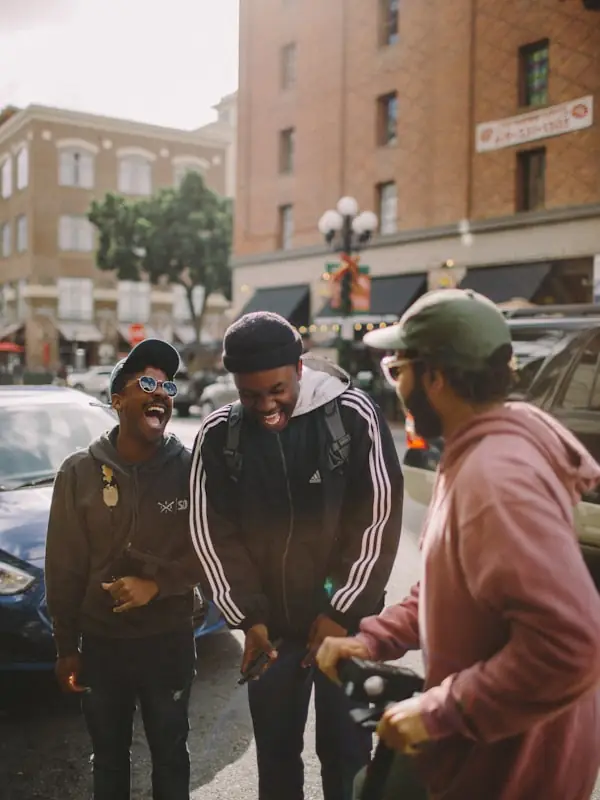
 Jonas added 1
 Tom added 1
 Ana added 1
- Maya added 1
 Priya added 1
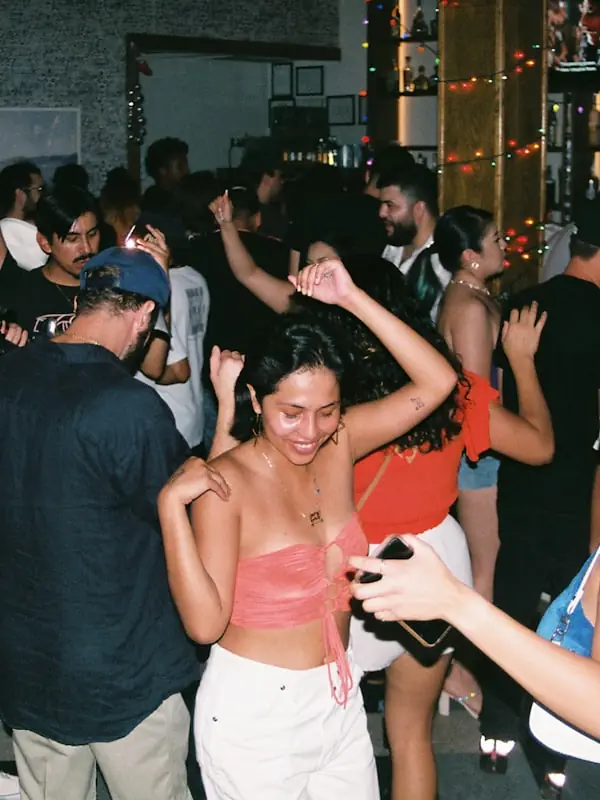 Jonas added 1
 Ana added 1
 Jonas added 1
 Priya added 2








Group chats
lose photos.
Everyone took photos, and a week later nobody can find any of them.
Split across three apps
The good ones sit in a text thread, a WhatsApp group and somebody’s email, so nobody has the full set.
Crushed to thumbnails
Chat apps compress what you send, so your friends get a smaller, softer copy of the photo you took.
Gone by next week
New messages push them up the thread. Go looking a month later and you scroll for ten minutes to find one picture.
Or it all goes public
Post to a public feed instead and you show the night to people who weren’t there.
Saturday
Maya, Tom, Priya, Jonas, Ana
Sat 11:48 pm
Tuesday
3 weeks later
Maya’s 30th
142 items
- Original
Invite people
It takes about a minute to set up.
Create a Space
Name it and pick a cover photo. Use one for a wedding, a weekend away or a Tuesday night.
Invite the crew
Send a link or show a QR code. One tap gets people in, and anyone who only wants to look can use a browser.
See it the same day
Uploads appear in one feed while the day is still going. React, comment or download the originals from there.
Everyone adds to the same feed.
Who took this? Best one of the night.
Me, standing on the sofa.
Saving this one for the wall.
See who’s here
While you browse, you can see who else is in the Space.
Everyone contributes
People you invite add their own shots, so you don’t have to chase them for photos.
React and comment
React with any emoji. Replies thread one level deep under the photo.
Download the same file you uploaded.
Huddled doesn’t re-encode uploads or downloads, so you get the file that came off the camera.
Download one shot or the whole Space at full size.
IMG_4512.HEICAdded by Tom
Uploaded
3.1 MB
4032 × 3024, HEIC
Downloaded
3.1 MB
4032 × 3024, HEIC
Spaces can run for a limited time.
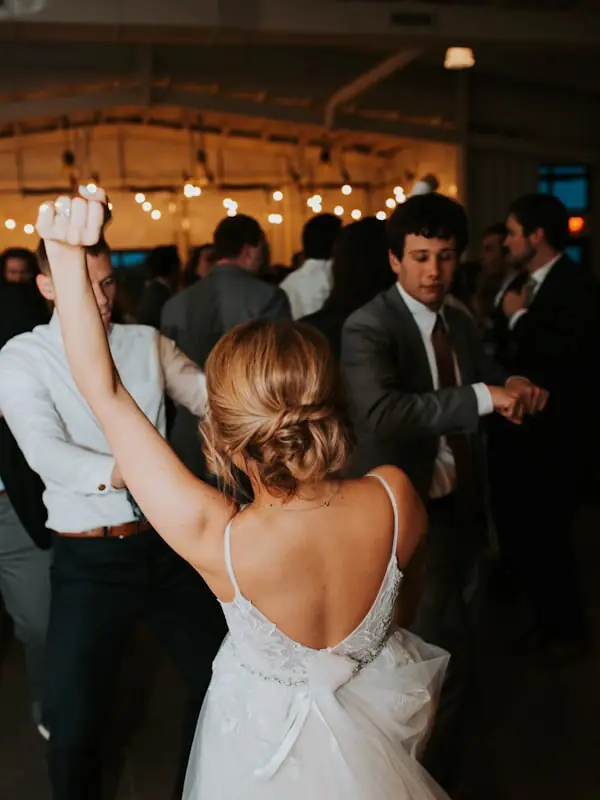
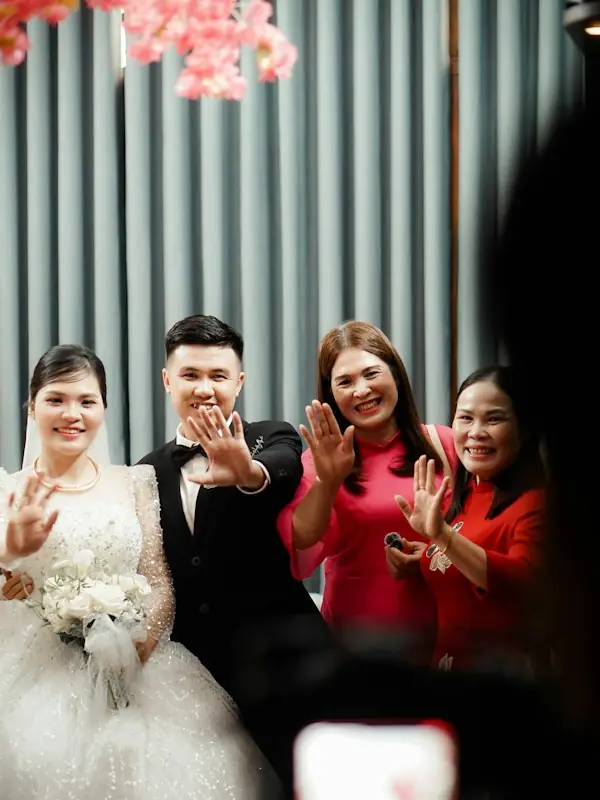
Lena and Sam’s wedding
6 people adding now
Closes in
06:41:22
128photos
14videos
6voice notes
12people
Only the people you invited can see it.
Huddled has no public feed. Only members can see a Space.
Invite-only
A Space has no public address. You can only join with an invite from someone in the Space.
You set the roles
You give each member a role. Roles control who can upload, who can only look and who can invite others.
Encrypted
Huddled encrypts files in transit and at rest. When you delete a Space, it’s gone for good.
People
Maya
OwnerTom
AdminPriya
ContributorJonas
ContributorAna
ViewerFree until you run out of room.
|
Every plan is private and ad-free. You can cancel at any time. |
Free $0 Forever Get started |
Pro $17.99/mo$172.70/yr Billed monthly |
|---|---|---|
| Storage | 1 TB | Unlimited |
| People per Space | Up to 10 | Unlimited |
| Video length | 5 minutes | 15 minutes |
| Video quality | Plays in up to 1080p | Upload in 4K, plays in up to 1080p |
| Priority video processing | Not included | Included |
| API and MCP integrations for AI agents | Not included | Included |
Running a team? See the Team plan, $49.99 per seat per month.
Questions before you sign up.
- Is it private?
Yes. A Space has no public address, and we never mine or sell what’s inside it.
- Do my friends need the app?
No. They can open the Space from a link or QR code in any browser and add photos there. The app is free if they want it.
- Will my photos lose quality?
No. You download files at the resolution you shot them.
- What happens after an event?
The Space stays yours on any plan. It stops taking uploads when the day ends, and you can still open it and download anything in it.