Media gets messy when teams share it
No gallery view
Your best shots end up scattered across inboxes and phones, with no one place to browse them.
No access control
Once you email a file, you can’t expire it or take it back, and you can’t see who opened it.
Version chaos
Someone sends the client final_v3_REAL_final.jpg, and nobody knows which edit was approved.
Painful handoffs
Sending 40 GB to a client means zip files, compression, and a day of “did you get it?” back-and-forth.
Scattered feedback
Comments and reactions on a shoot land in chat and email, away from the files they’re about.
One workspace for all your media

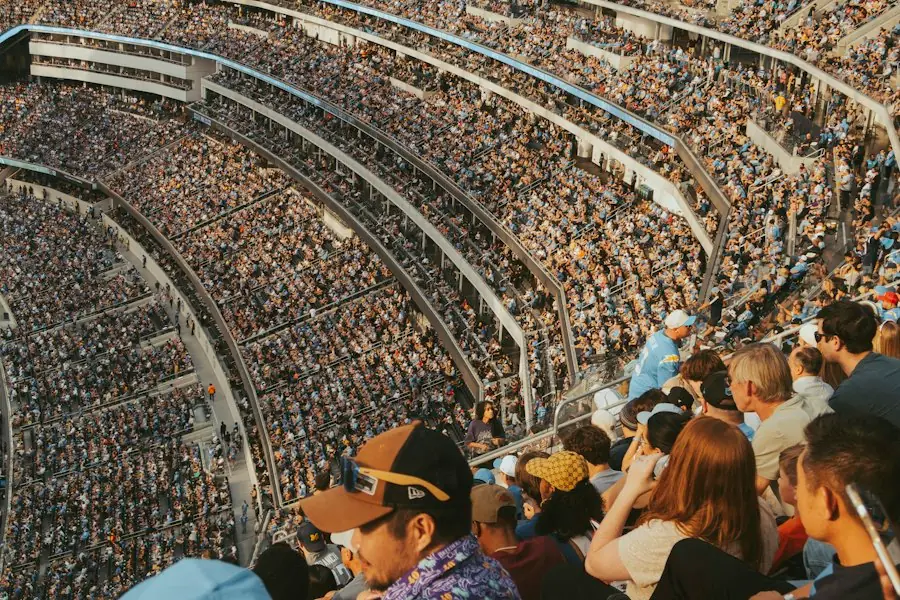


One library, organized by Space
Give each campaign, client and shoot its own Space, with original files in the format they arrived in. Your team searches all of it from one place, and reacts and comments on each file.
Custom roles
Each Space has Admin, Contributor and Viewer roles, and you can add your own.
External sharing
Send a client a view-only link or QR code. It expires on a date you set, you can revoke it at any time, and the client doesn’t need an account.
Original quality, any size
Upload RAW files, 4K masters and multi-gigabyte exports without compression. People you share with download the full-resolution original.
Activity trail
Huddled records every upload, comment, share and download, along with who did it and when.
Security IT can sign off on
Every plan gets the same protection. Huddled encrypts your media, you control access, and you can export a log of each action.
| SSO and SCIM | Connect your identity provider (Okta, Entra, Google Workspace and others) with SAML/OIDC sign-in and SCIM provisioning. | |
|---|---|---|
| Encrypted | AES-256 at rest and TLS in transit, on every file. | |
| Audit logs | Export a record of each access, share and download as a CSV. | |
| Access control | Define custom roles once and use them in any Space. |
An API, webhooks and an MCP server
The API covers Spaces, media, members and roles. Connect Huddled to the systems you already run, or let an AI agent browse and organize files for your team.
# List your Spaces
curl https://api.huddled.cloud/v1/spaces \
  -H "Authorization: Bearer hk_live_..."
Questions teams ask
Who is Huddled for?

Any team that works in photos and video. For example:
- Marketing teams
- Keep approved assets in one brand library and share them with partners through a tracked link.
- Studios and agencies
- Clients open full-resolution galleries in a browser and approve work there. Finished projects stay archived and searchable.
- Event companies
- Collect footage from each shooter in one Space and give the client a complete gallery the same day.
- Real estate and retail
- Organize media by property or location and push the right set to each site or listing.
- Schools and universities
- Collect photos and video from events, clubs and departments in one place, and choose which students, staff and families see each set.
How secure is it?
Huddled uses AES-256 encryption at rest and TLS in transit, with SSO, SCIM and exportable audit logs.
Can we share with people who don’t have accounts?
Yes. Send a view-only link or QR code and set when it expires. They don’t need an account, and you get a record of each view.
How hard is migration?
Import in bulk from your drives and DAM with the API, or ask our team to do it. You keep your folder structure, and your team can keep working during the move.
What about huge files?
Huddled doesn’t zip or compress RAW, 4K or multi-gigabyte files, and Team has no file size limit.
How does pricing work?
You pay $49.99 per seat each month at any team size. You can start on your own, with no contract.
What support do we get?
Team includes priority support and hands-on onboarding. Every plan has the full docs and a person you can ask.
- Unlimited shared storage
- 15-minute videos, 4K upload, 1080p playback
- Priority video processing
- Custom roles and SSO
- Activity and audit logs
- 30-day data recovery
- Priority support