How to share an album on iPhone (iOS 27)
The current way to share a photo album on iPhone: the iOS 27 flow, full-resolution sharing, web guests without an Apple Account, and who pays for storage.
On this page
How to share an album on iPhone (iOS 27)
Sharing photos from an iPhone got simpler and cheaper in September 2026, and most of the guides you will find online describe the old system. This one covers the current flow, including what changed in iOS 27 and who pays for what.
Create a shared album

On your iPhone, open Photos and tap Collections. Scroll down to Shared Albums, create a new album, name it, choose some photos, and pick the people to invite. Apple’s own walkthrough covers the same steps with screenshots for every device.
If your device runs iOS 26 or earlier, the entry point moves to the Albums tab, but the flow is the same.
What changed in iOS 27
At the time of writing (September 2026), three things changed.
Shared albums are full resolution now. For years, every photo in a shared album was reduced to 2048 pixels on the long edge, which turned a 48 MP shot into something you could not print. New albums keep the original quality, and they gain emoji reactions, filters and new collaboration options.
People can join and contribute from the web, without an Apple Account or an Apple device. Your friend with the Android phone opens a link in a browser and adds photos. The years of “Android users can only watch” are over.
The storage bill moved. In upgraded albums, everything added, including other people’s photos, counts toward the album owner’s iCloud storage. The organizer pays for the group, and a free iCloud plan holds 5 GB.
The upgrade question
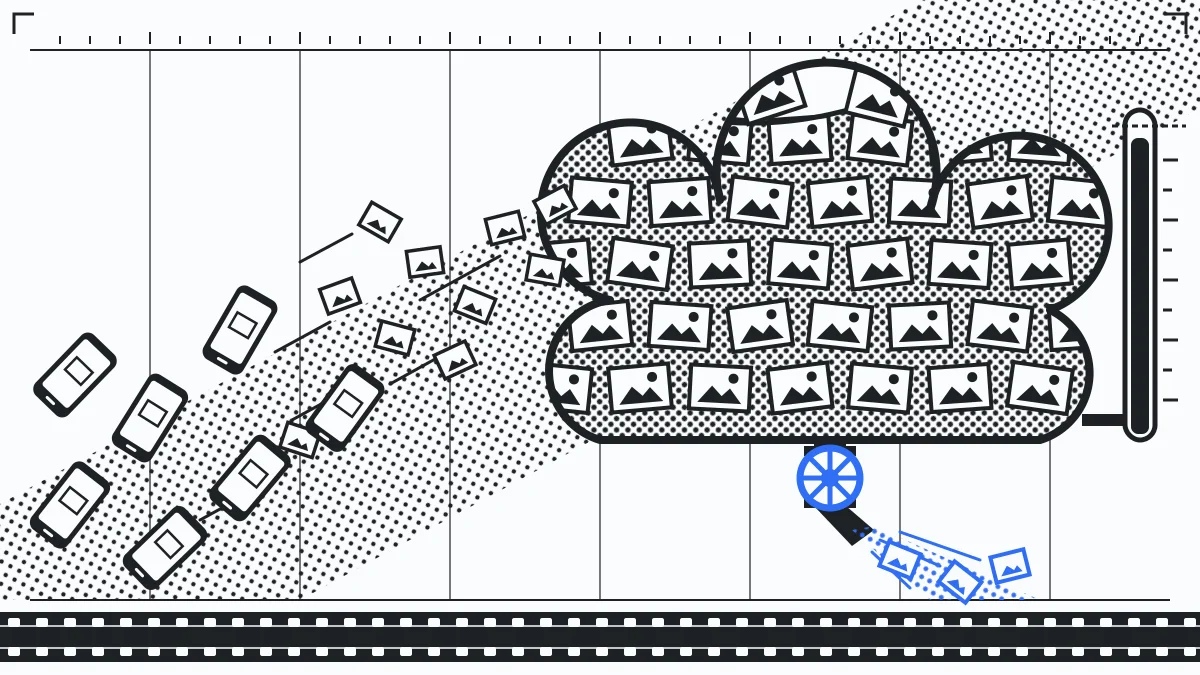
Albums you created before iOS 27 keep working the old way: 2048-pixel photos, no storage cost, and Apple-device-only members. You can upgrade an old album to the new system, after which new items arrive at full quality and count against your storage. Existing items in an upgraded album do not count towards it.
The tradeoff is real. A full-resolution album for a 40-person trip can eat several gigabytes of the organizer’s iCloud, and the cheapest iCloud tier with room for that costs money every month. The old system protected the organizer’s storage by degrading the photos. The new system protects the photos by charging the organizer.
If the organizer would rather not carry the bill
A mixed group where one person’s cloud plan is on the hook for everyone’s photos is a specific kind of awkward. Huddled Spaces split the difference: full quality with no re-encoding, anyone can join from a browser without an account, invite-only, and the free plan holds 1 TB per account rather than billing one person for the group.
Start a Space for your next trip, and the bill lands on nobody in particular.