Huddled: a private shared album that works on every phone
What Huddled is, why it exists, what a Space does, and how it compares to Apple and Google shared albums for mixed groups.

On this page
Huddled: a private shared album that works on every phone
The group chat was never meant to be the album. Six people go on a trip, everyone takes photos, and a week later the good ones are scattered across a text thread, a WhatsApp group and somebody’s email. Half of them arrived as compressed thumbnails. A month on, nobody can find any of it.
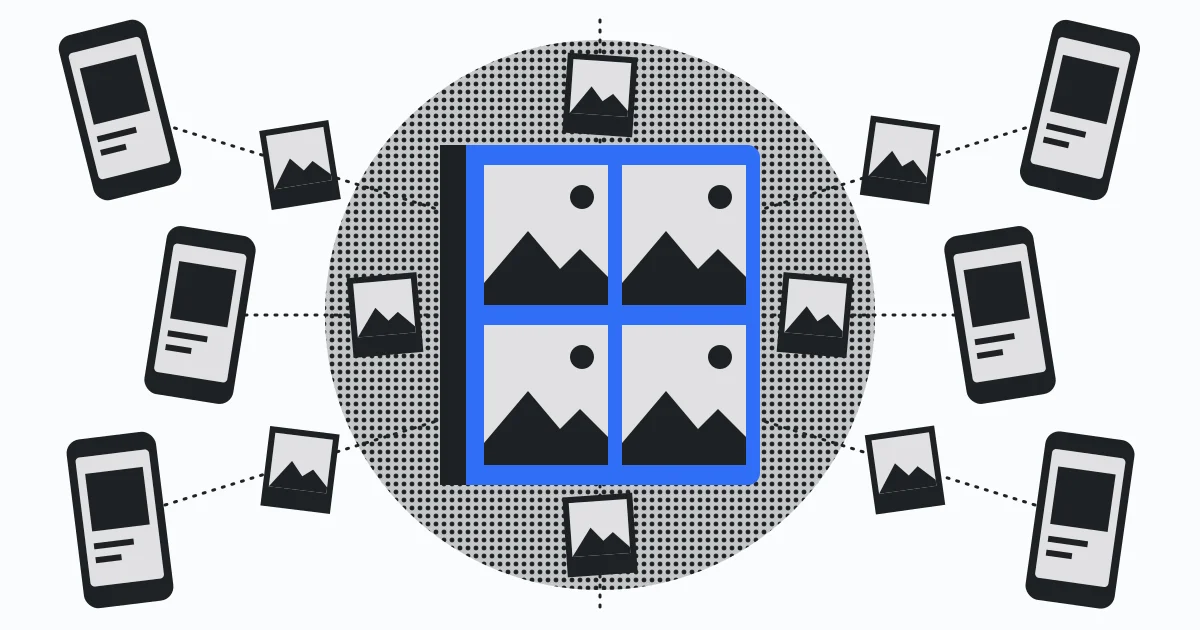
That mess is the problem Huddled solves. One Space for the trip, everyone’s photos and videos at original quality, invite-only, and your friends get the same experience whether they carry an iPhone, an Android, or just a browser tab.
What a Space is

A Space is a private room for one group and one occasion. Naming it and picking a cover photo takes a minute, then you send people a link or a QR code. Everything they add lands in one shared feed while the day is still going.
Nobody outside the Space can see it. A Space has no public address, and the only way in is an invite from someone already inside. Every member carries a role, so you decide who can upload, who only wants to look, and who can bring new people in.
Photos go up and come back down at the resolution they were shot at. Nothing is re-encoded on the way in or on the way out, so the file you pull down is the file that came off the camera.
The parts that make it feel like the group is there

Anyone in the Space can react with any emoji, and a reply threads underneath the photo it is about, so the conversation stays attached to the picture instead of scrolling away in a chat window.
While you are browsing, you can see who else is in the Space looking at the same thing. You notice it the evening after a birthday party, when other people’s reactions arrive while you scroll.
At any point you can pull down a single shot or the entire Space at full size. Event Spaces close themselves once the date passes, which is what gets everyone uploading while the day is still fresh.
What people use it for
The shape of a Space fits anything where several people take photos of the same thing: weekend trips and holidays; weddings, where the guests’ photos are often better than the photographer’s; birthdays, graduations and school events; a Tuesday night that got out of hand; sports teams and clubs that want one place for the season’s photos instead of a chain of message threads.
Every one of them is several cameras, one event, and no good reason for the photos to end up scattered.
What teams get
The same shape scales up. On the business side of Huddled, every client, campaign or shoot gets its own Space holding the original files, RAW and 4K masters included. You decide who uploads, who approves and who can bring new people in. Every upload, comment, share and download is recorded with who did it and when, and the org console shows seats, storage, active Spaces and the full change history. Clients open full-resolution galleries in a browser and leave approvals in the same place, without zipping anything or creating accounts.
Compare that to the other two for team media. An Apple album created on iOS 26 or earlier caps at 100 subscribers and 5,000 items, new albums have no item cap but everything the group adds counts against the owner’s iCloud storage, and both flavours hang off someone’s personal account with no record of who downloaded what. Fine for a birthday. For an agency handing a client their footage, or an event company pulling files from every shooter into one place the same day, the media needs to belong to the organization rather than to somebody’s personal account.
How it compares to Apple and Google shared albums
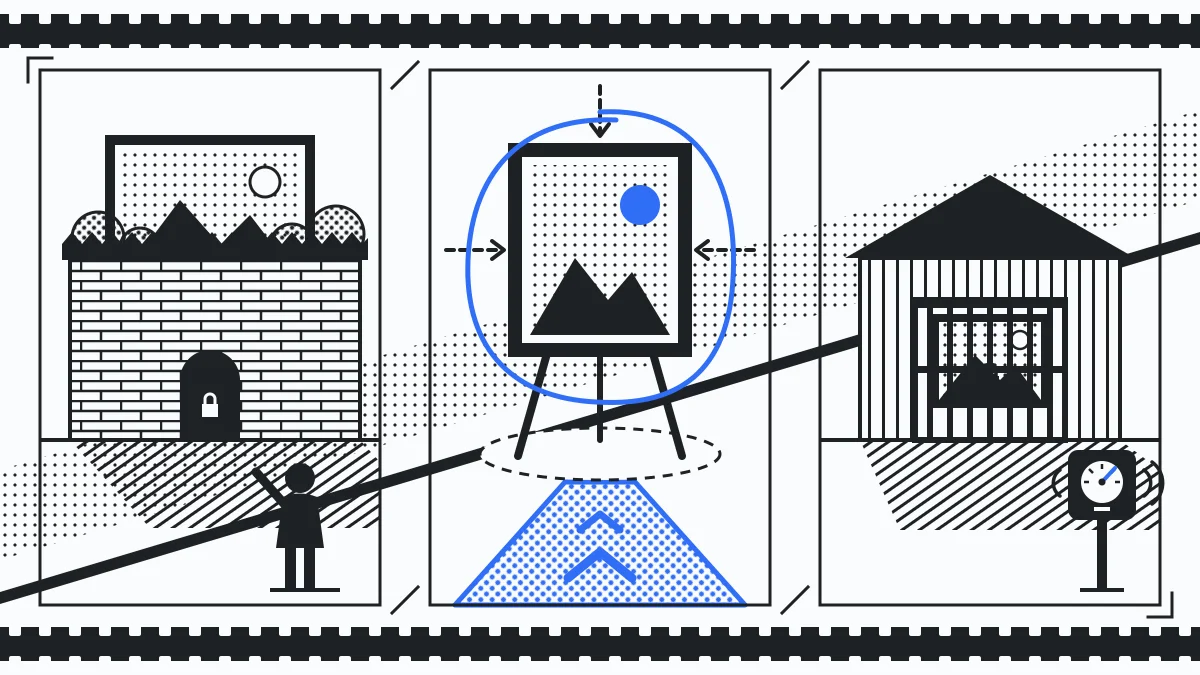
At the time of writing (30th September 2026), here is how the two compare to a Huddled Space. Apple and Google both ship a shared album feature, and each is worth using if it already fits your group. The differences that matter are who counts as a first-class member and what the album asks of you. These details change, and Apple rewrote its shared album rules the week before this went up.
Apple’s Shared Albums got a real update in iOS 27, released in September 2026. New albums share full-resolution photos and videos, with emoji reactions and new collaboration options, and people can join and contribute from the web without an Apple Account or an Apple device, so the mixed-group problem is largely solved. Two catches. Albums created before iOS 27 keep the old behaviour, reducing shared photos to 2048 pixels on the long edge, until you upgrade them. And in upgraded albums, everything added, including other people’s photos, counts toward the album owner’s iCloud storage. The quality gap closes, and the group’s entire photo bill lands on whoever made the album.
Google Photos shared albums work on any phone, and the app is everywhere. The catches we covered in our Google Photos shared album guide: anyone with the sharing link can view the album, and the photos you add get stored in Google Photos and count against a 15 GB quota shared with Gmail and Drive. It works best as the home for your whole library, and asking a friend to move their photos into Google for one album is a big ask.
With Huddled, nobody needs the app to contribute. A link or QR code opens the Space in any browser, and uploads, reactions, comments and presence work the same on every phone. Everyone you invite is a first-class member. What you are sharing is the trip, not your photo library, and you are asked for it once.
The short version
A group that is all iPhone and small is served well by Apple’s shared album, and a group that already lives in Google Photos has little reason to leave it. A mixed group is different. So is wanting the photos at the quality they were taken, in one private place, without conscripting your friends into an ecosystem. That is the gap Huddled fills.
Start your next trip’s Space before you leave, and this time everyone’s photos land in the same place. Start a Space.